

EZTools 3.0 | Uniview Device Management Tool | Free Download
EZTools 3.0: Your All-in-One Command Center for Uniview Devices
Introducing EZTools 3.0, the next generation of our powerful device management utility. Redesigned from the ground up for efficiency and control, this essential tool streamlines the entire lifecycle of your Uniview security devices—from initial discovery and setup to ongoing maintenance and upgrades. With a refreshed interface and powerful new capabilities, EZTools 3.0 is built to save technicians and administrators valuable time on site.
Key Benefits of EZTools 3.0
EZTools 3.0 transforms your workflow by putting powerful batch-processing capabilities at your fingertips. Save hours of manual effort by configuring IP addresses, changing passwords, and upgrading firmware for multiple devices simultaneously. The new live preview feature allows you to instantly verify camera views without leaving the application, while the customizable interface lets you tailor the workspace to your needs. Gain complete, centralized control over your entire network and ensure every device is configured perfectly and running the latest software.
Key Features of EZTools 3.0:
- Device Management: Discover all online devices on your LAN. Easily modify IP addresses, change admin passwords, and configure network settings individually or in batches.
- Live Camera Preview: Instantly view a camera's video feed directly within the tool for quick verification of angles, image quality, and operational status.
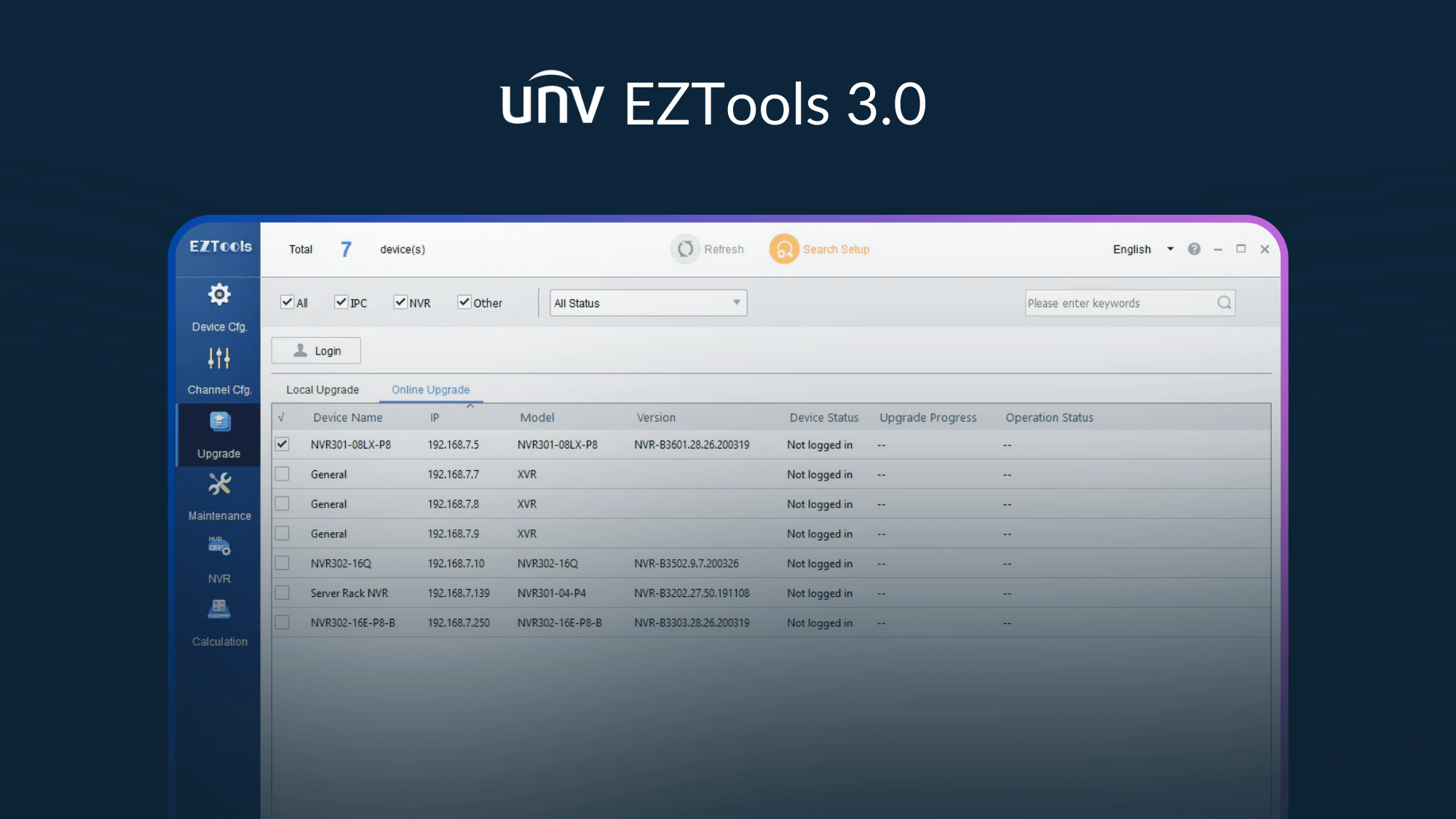
- Effortless Batch Upgrades: Upgrade firmware for multiple devices at once. Supports upgrading from a local file, downloading the latest version online, or using a template.
- Customizable UI: Resize the interface and adjust the layout to fit your screen and workflow, ensuring all critical information is exactly where you need it.
- Advanced Channel Management: Fine-tune camera settings, including image parameters, encoding, OSD (On-Screen Display), and audio, with added support for multi-channel cameras.
- Smart Capacity Calculator: Accurately plan your storage needs. Calculate the required disk space based on recording time or estimate the available recording days based on your disk space.
- Essential Device Maintenance: Perform critical maintenance tasks remotely, including restoring devices to factory defaults, importing or exporting configurations, and restarting devices.
Recommended Accessories
References