

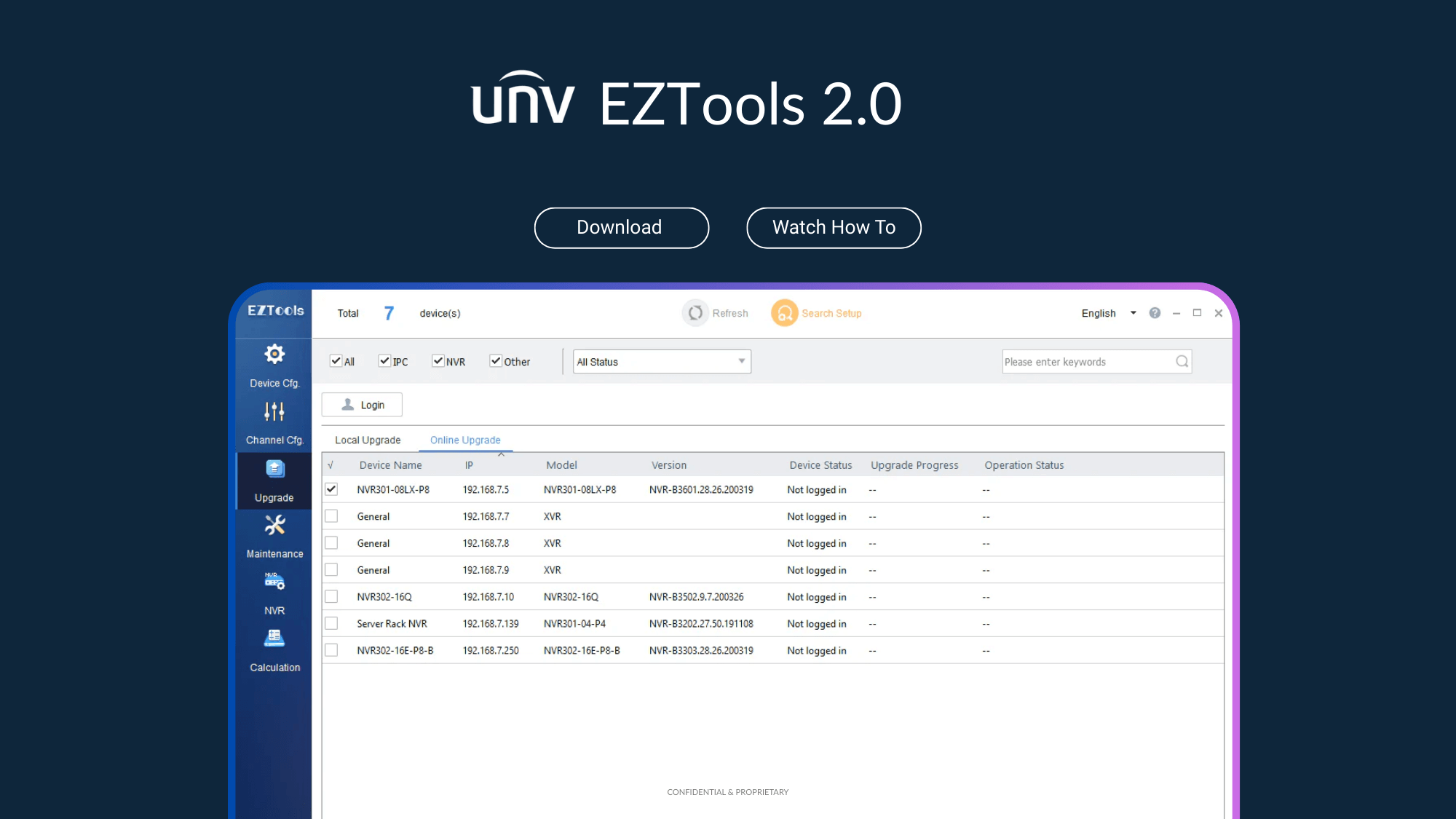
EZTools 2.0 | Uniview Device Configuration Tool | Free Download
$0.00
EZTools 2.0: Free Uniview Device Management & Configuration Tool
EZTools 2.0 is the essential, free utility for anyone working with Uniview security devices. Designed for technicians and administrators, this all-in-one solution eliminates the hassle of configuring devices one by one. Whether you're managing a small installation or a large-scale deployment, EZTools 2.0 provides a powerful, intuitive interface to discover, set up, and maintain your entire network, saving you countless hours on site.
Key Benefits of EZTools 2.0
- Save Hours on Deployments: Stop configuring devices individually. Use powerful batch processing to modify IP addresses, change passwords, and apply settings to dozens of devices at once.
- Gain Centralized Control: Discover, manage, and maintain every camera and NVR on your local network from a single, easy-to-use dashboard.
- Ensure Security and Stability: Effortlessly perform batch firmware upgrades to keep all your devices protected with the latest security patches and performance improvements.
- Plan Storage with Confidence: Use the built-in HDD Capacity Calculator to accurately estimate recording duration and storage requirements before you even start an installation.
Key Features of EZTools 2.0
- Device Discovery & Management: Search and find all online devices on your LAN. Easily modify IP addresses, change admin passwords, and configure network settings.
- Advanced Channel Configuration: Remotely adjust individual camera image settings, fine-tune encoding parameters, and customize OSD (On-Screen Display) and audio.
- Batch Firmware Upgrades: Upgrade multiple devices simultaneously from a local file or directly from the cloud to ensure your system is always up-to-date.
- Device Maintenance Tools: Perform critical tasks remotely, including restoring devices to factory defaults, importing or exporting configurations, and restarting devices.
- NVR Channel Management: Easily add or delete camera channels from your NVRs as your security system grows and evolves.
- HDD Capacity Calculator: Calculate required disk space based on the number of cameras and desired recording time, or estimate available recording days based on your disk space.
Recommended Accessories
References